
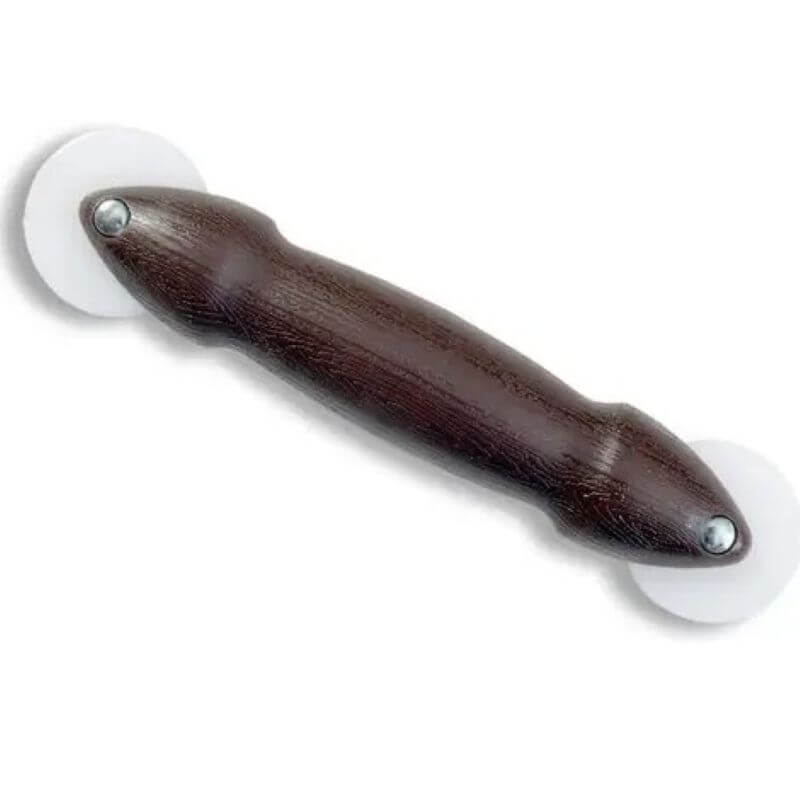
Phifer Spline Installation Tool 9-1/4”
$4.84
In stock
-
Free Store Pickup
Available for MO, AR, KS, OK addresses at checkout
-
Shipping
Ships to lower 48 (excl. CA) on eligible items. -
Local Delivery
Available by phone; call to place order & schedule delivery
-
Shop In-Store
Open Mon–Sat, 8 am–6 pm for all items.
This Phifer Spline Installation Tool is an essential piece of equipment for anyone replacing or repairing a window or door screen. It feels comfortable in your hand and the dual-wheel design makes it easy to roll the spline into the screen frame channel with the right amount of pressure. You’ll find it’s a lifesaver for getting a professional-looking, wrinkle-free screen every time. The tool has two different sized wheels, so it can be used with a variety of spline sizes. It’s a simple, straightforward tool that makes a potentially frustrating job quick and easy.
Key Features of Phifer Spline Installation Tool
Additional Information
When you’re installing a new screen, always be sure to use the right side of the tool for the job. The concave wheel is for pressing the spline into the channel, while the convex wheel is for initially pushing the screen mesh down. A common mistake is using the wrong side of the tool, which can cause the spline to come out or the screen to wrinkle. You should also start at one corner and work your way around, using your other hand to keep the screen mesh taut as you roll the spline into the channel.
More to Choose From
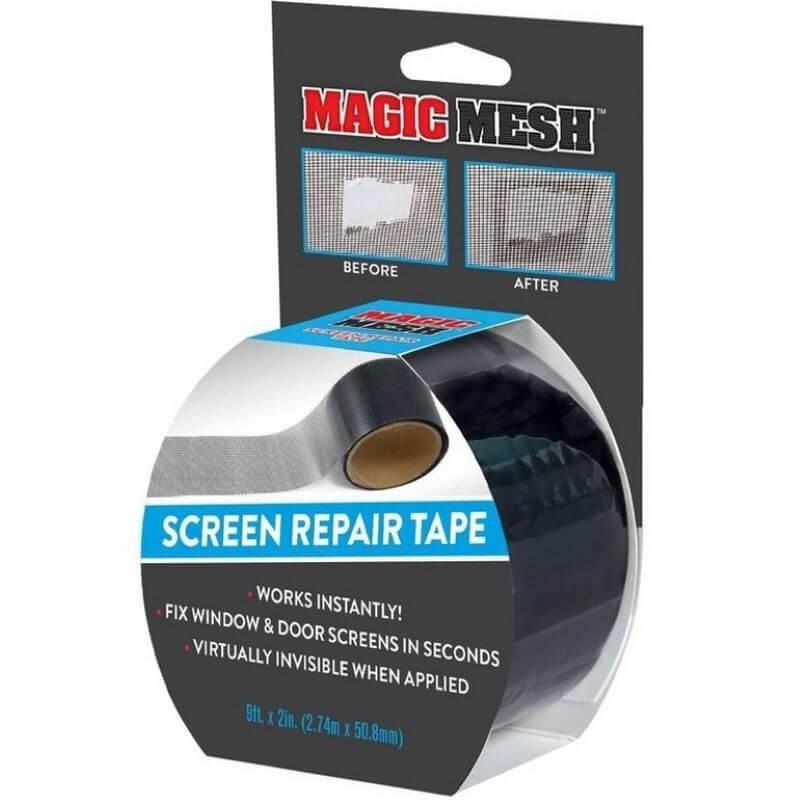
Magic Mesh Screen Repair Tape 2”x9’
Price: $9.86
SKU: 6028966
In stock
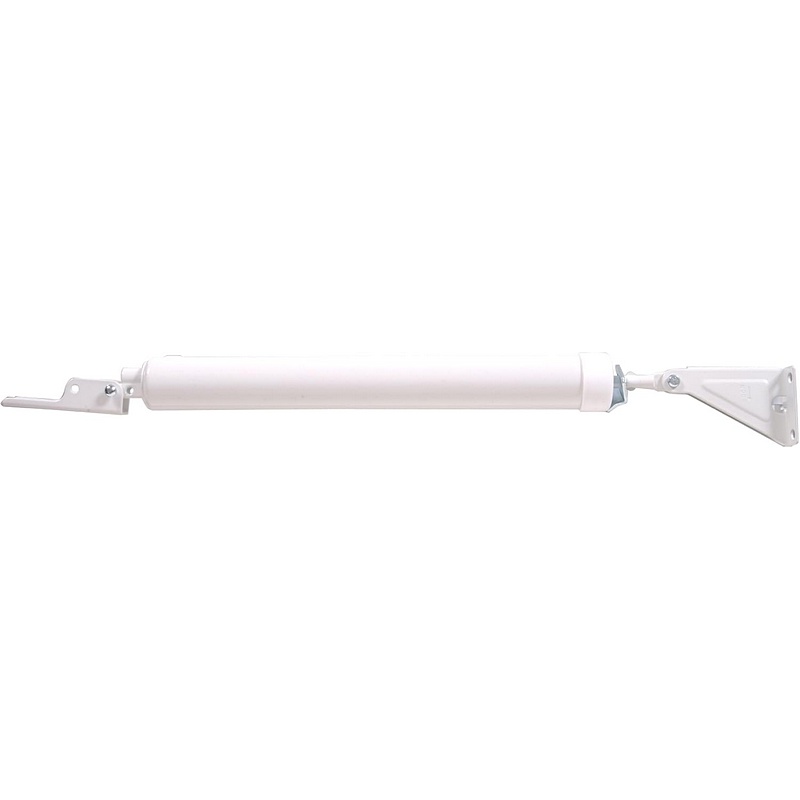
Hillman Screen & Storm Door Closer
Price: $33.84
SKU: H852071
In stock
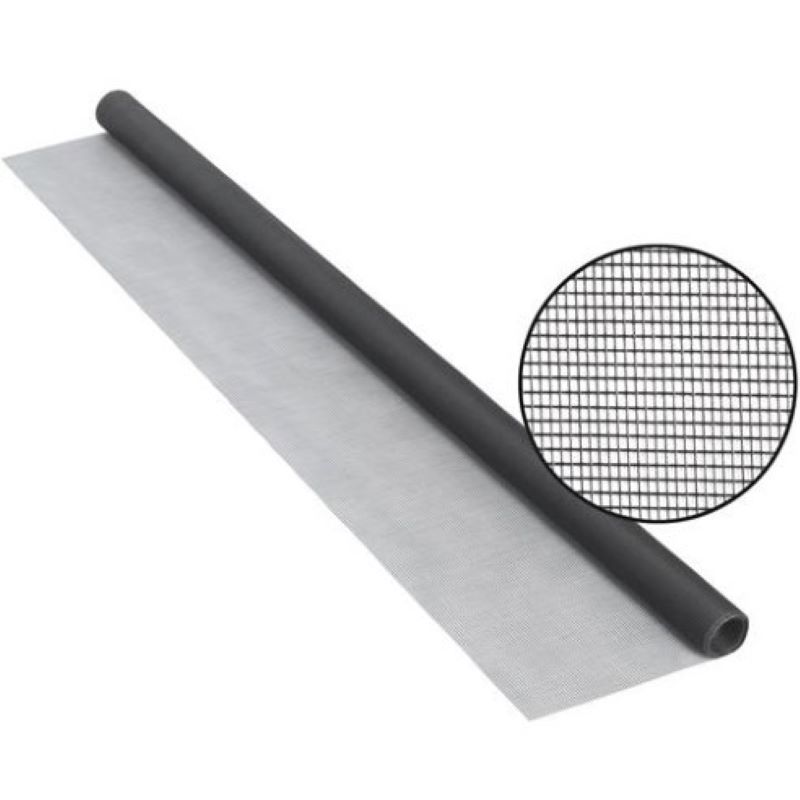
Phifer Wire Charcoal Fiberglass Screen Cloth 30″x7’
Price: $4.84
SKU: 5163134
In stock
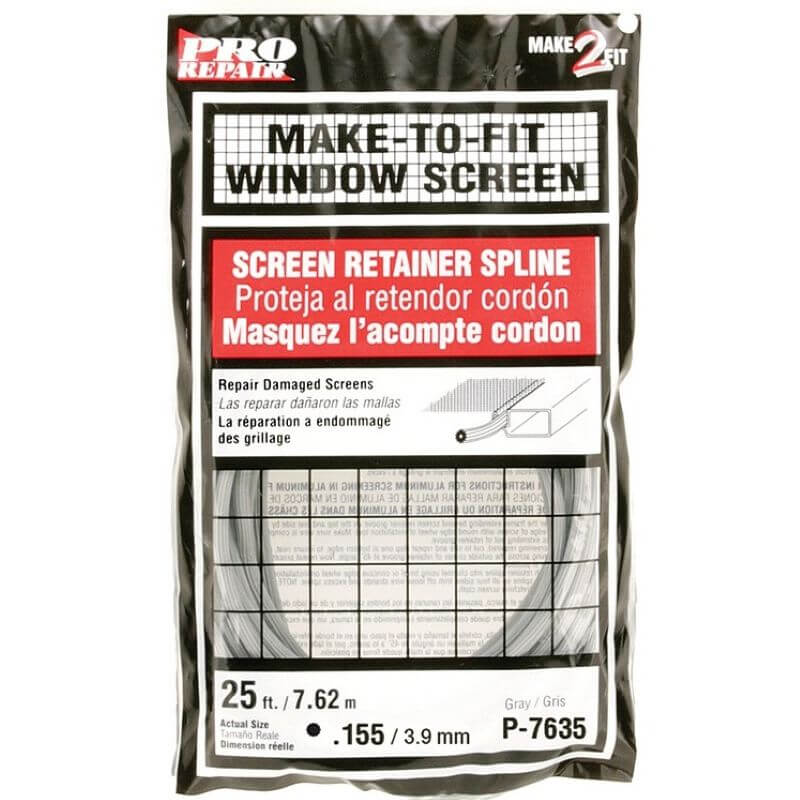
Make 2 Fit Gray Vinyl Screen Spline 0.16”x25’
Price: $3.86
SKU: 5022603
In stock